Alternatives
Olovka alternatives for students on a budget
Olovka's pitch is price: $5.95 a month for unlimited AI words, plus quizzes and lecture notes to revise from. It's also sold as an “AI Essay Writer”, with a homepage line that reads “It's undetectable, because it writes like your clone.” If cheap was the draw and the clone part bothers you, several good options cost little or nothing.
EssayGenius has a free plan with unlimited essays, a source library and every major citation style. Grammarly's docs editor and AI Grader are free to use, Trinka Premium is $48 a year, and Jenni AI, Ponder and Paperguide all have free plans of their own. EthiWrite, which we make, has one too.
Prices and features checked on October 17, 2026.
Why students drop Olovka
Olovka says it guides you “without doing it all for you”. It also meters the words it generates, offers AI autocomplete and publishes AI-generated example essays, and the “writes like your clone” line tells you which use it has in mind. A clone of your style is still a machine's essay.
Citations are the weak spot. Olovka says it “uses AI to find most relevant citations and references for your text” from journals and the web, without saying where they come from or how they're checked. You can't pick a style yet: the pricing FAQ lists APA, MLA and Harvard as coming “Soon”. And its terms disclaim any warranty of accuracy.
Pricing beyond the monthly plan is murky. The page has a Yearly/Weekly toggle with a “Save 70%” badge, but those prices couldn't be verified. Subscriptions auto-renew, and “All purchases are non-refundable unless required by law.” An unsigned review on the AI Chopping Block directory, whose link to Olovka carries a referral tag, also says pricing could be clearer.
The good parts are real. Learning & Test Mode turns an essay into interactive quizzes, editing commands rewrite, expand or shorten your text and adjust its tone, and a chat panel answers questions about your essay while you write. Product Hunt commenters welcomed it as a learning aid at launch, though it has no Product Hunt reviews yet.
What to look for in a Olovka alternative
A free plan that says what resets
A cheap plan is only a bargain if the free one won't do. Check the free tier first, and prefer one that says what it includes and when it resets. Olovka's page doesn't say whether its 10,000 free words ever do.
The citation style your course wants, today
If your department asks for APA, Harvard or anything else, make sure the tool formats it now rather than on a roadmap. A reference list you fix by hand at midnight costs more than a subscription.
Revision help that isn't the essay
Olovka's quizzes are a good instinct: turning material into questions is a solid way to revise. You can keep that habit with any tool, by quizzing yourself on notes and readings rather than on an essay a model wrote.
The best Olovka alternatives
1. EthiWrite
Full disclosure: this is our tool.
EthiWrite helps you write the essay and stops short of writing it. Autocomplete suggests one sentence at a time, roughly thirty words at most, and nothing goes in until you accept it. Citations come only from your Library (uploaded PDFs, OpenAlex papers, web pages and books) and format in APA, MLA or Chicago.
Examiner Mode reads the draft and flags unsupported claims, thin evidence and structural gaps, and it can't rewrite a line. You can start free, and uploading sources, paper search, citing and export never count against a quota. Unlike Olovka's Unlimited plan, though, every EthiWrite quota is finite, paid plans included.
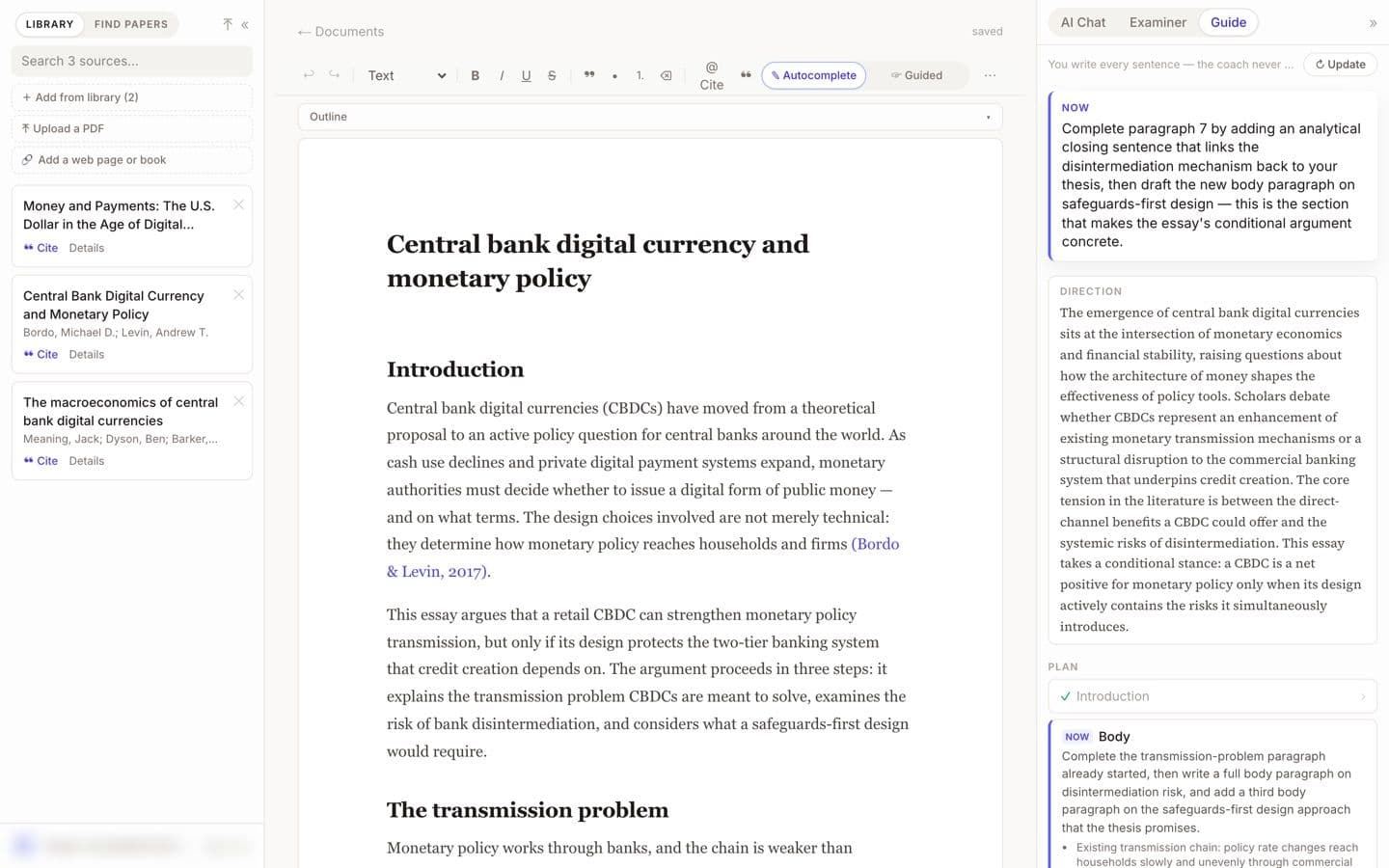
EthiWrite editor with the Guide panel open (demo account, email blurred). Best for: Students who want cited help with their own essay without paying to start.
2. EssayGenius
EssayGenius has a generous free plan: $0 forever for unlimited essays, a source library, citations in every major style, Word and PDF export and a Process Report, and you can start without an account. On Pro, its source search pulls from academic databases such as OpenAlex and Crossref, with DOIs and links to the papers.
The free AI allowance is small, 25 messages and 100 inline suggestions a month. Pro is $15 a month or $40 for a four-month Semester Pass. It drafts too, one full essay on the free plan and unlimited on Pro, and a roundup on Best Writing rates it “Use with caution” for institutional acceptance.
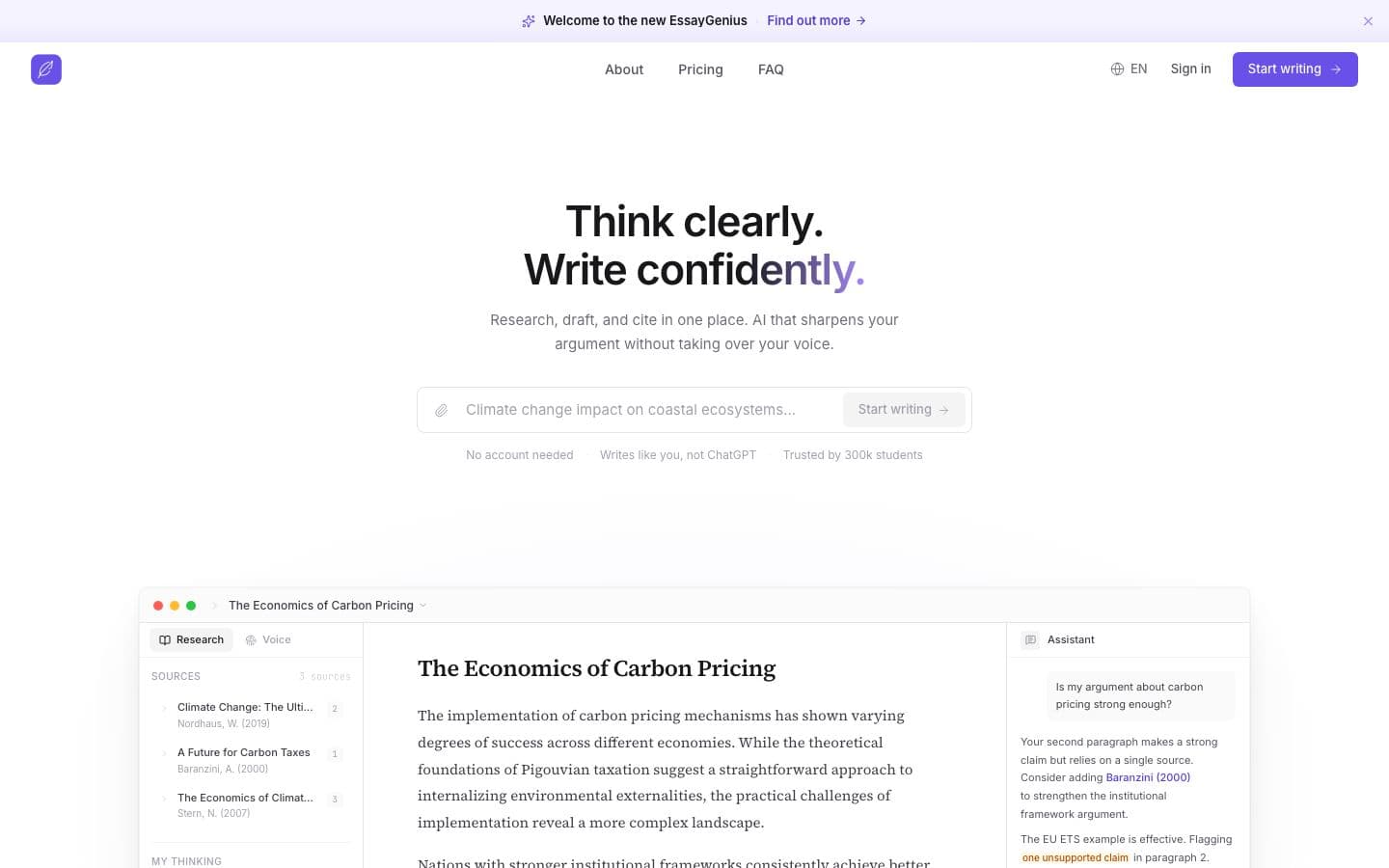
EssayGenius public homepage, signed out. Best for: Students who want a free essay workspace with real sources and every major citation style.
3. Grammarly
Grammarly's docs editor costs nothing to use. AI Grader estimates your grade from the rubric with personalized feedback, Reader Reactions shows where a reader might get confused, and Authorship records whether text was typed, pasted or AI-assisted. All of it is on the free plan, with daily limits.
Pro, at $30 month to month or $144 a year, costs more than Olovka's $5.95 a month and adds plagiarism and AI-text detection. Citation Finder formats in APA, MLA or Chicago, though it suggests web sources without naming the databases it searches. Long-time users on Trustpilot complain that AI prompts and upgrade pop-ups get in the way.
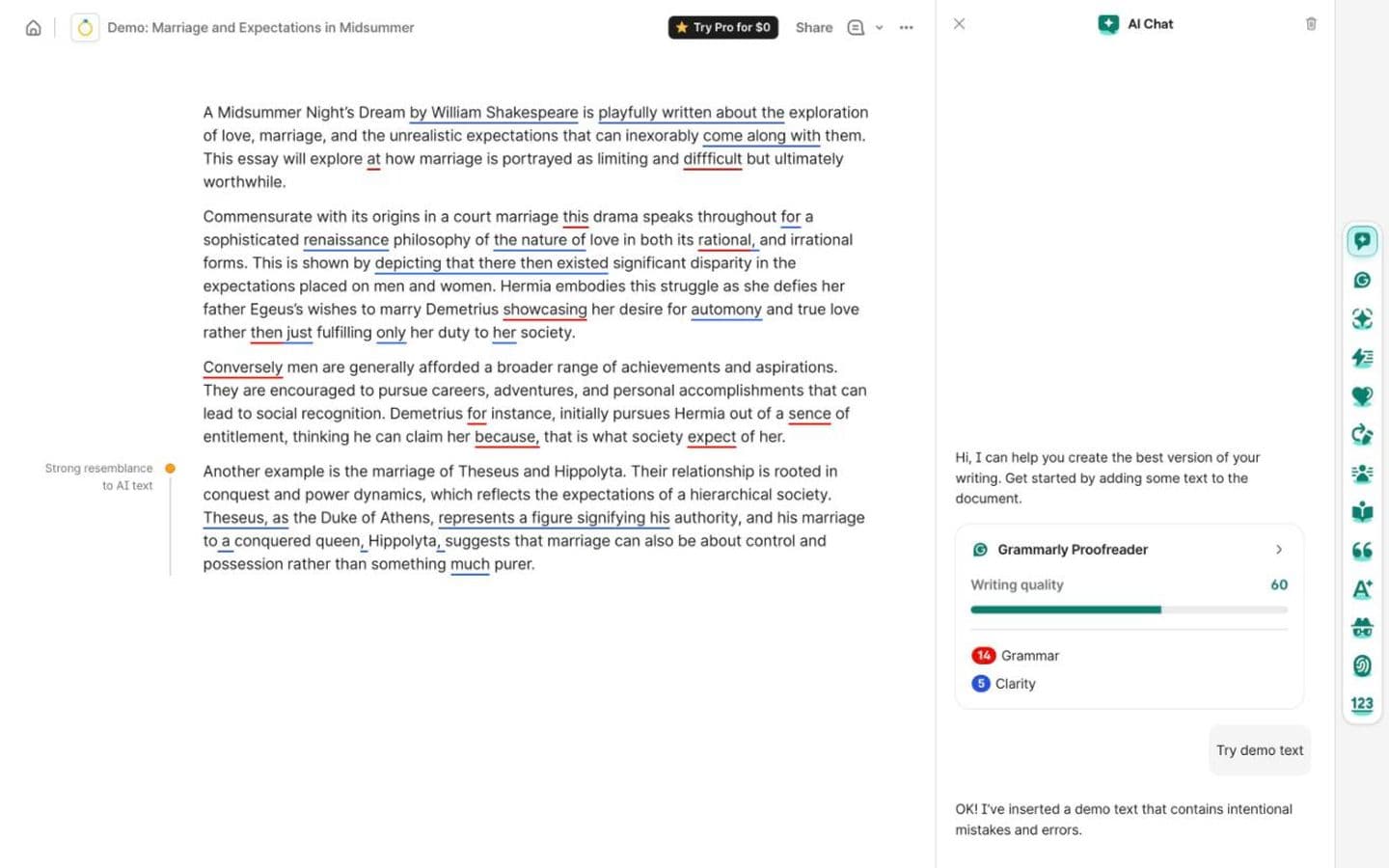
Grammarly doc with Grammarly's built-in demo essay, signed in to a free account. Best for: Free feedback on your own draft, with a record of how you wrote it.
4. Jenni AI
Jenni AI does what Olovka's reference-finding chat promises, with sources you can see. Point it at your own PDFs or let it search 200M+ papers; it links each suggested sentence to its spot in the source PDF, and formats citations in 10,000+ styles. Its AI chat answers questions from your library, with citations.
The free plan gives 10 autocompletes a day, 10 PDF uploads and unlimited citations; Plus is $12 a month. Its autocomplete still writes, sentence after sentence, so limit it to your own library and keep the argument yours. Some Trustpilot reviewers say renewals hit their card without warning.
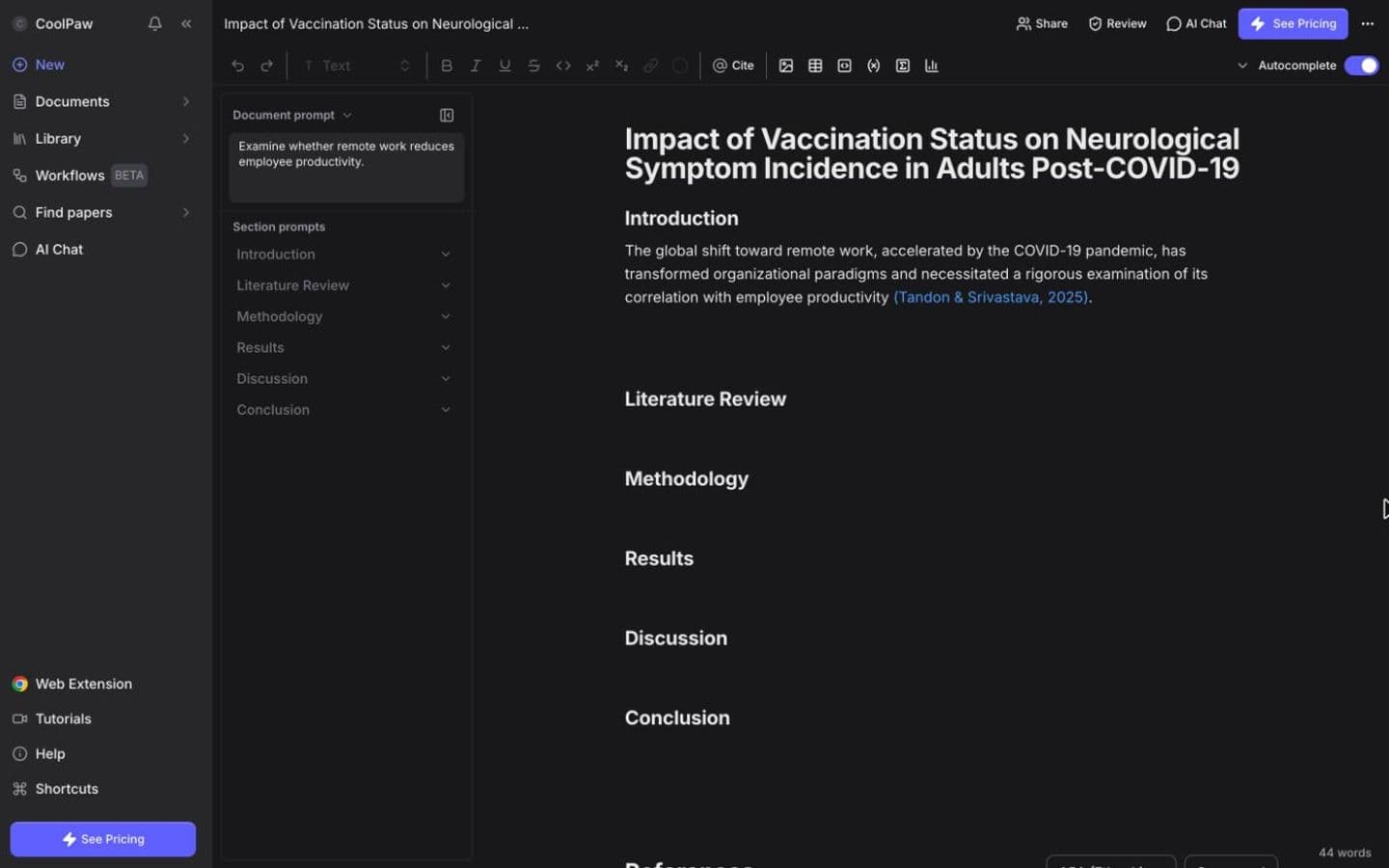
Jenni AI editor, signed in to a free account. Best for: Students who want citations tied to the paper, starting on a free plan.
5. Trinka
Trinka Premium costs $48 a year, billed yearly. For that you get grammar, punctuation and academic-style checks, all its paraphrase modes and 25 AI writing requests a month, in Word, the browser, a Windows app or on LaTeX files. Its Citation Checker validates references against Crossref, using credits.
It won't find sources or structure an argument. The free Basic plan never expires: 5,000 words of writing help, 5 AI writing requests and 4 credits a month, in lite grammar mode. Those free limits are the most common complaint on Trustpilot.
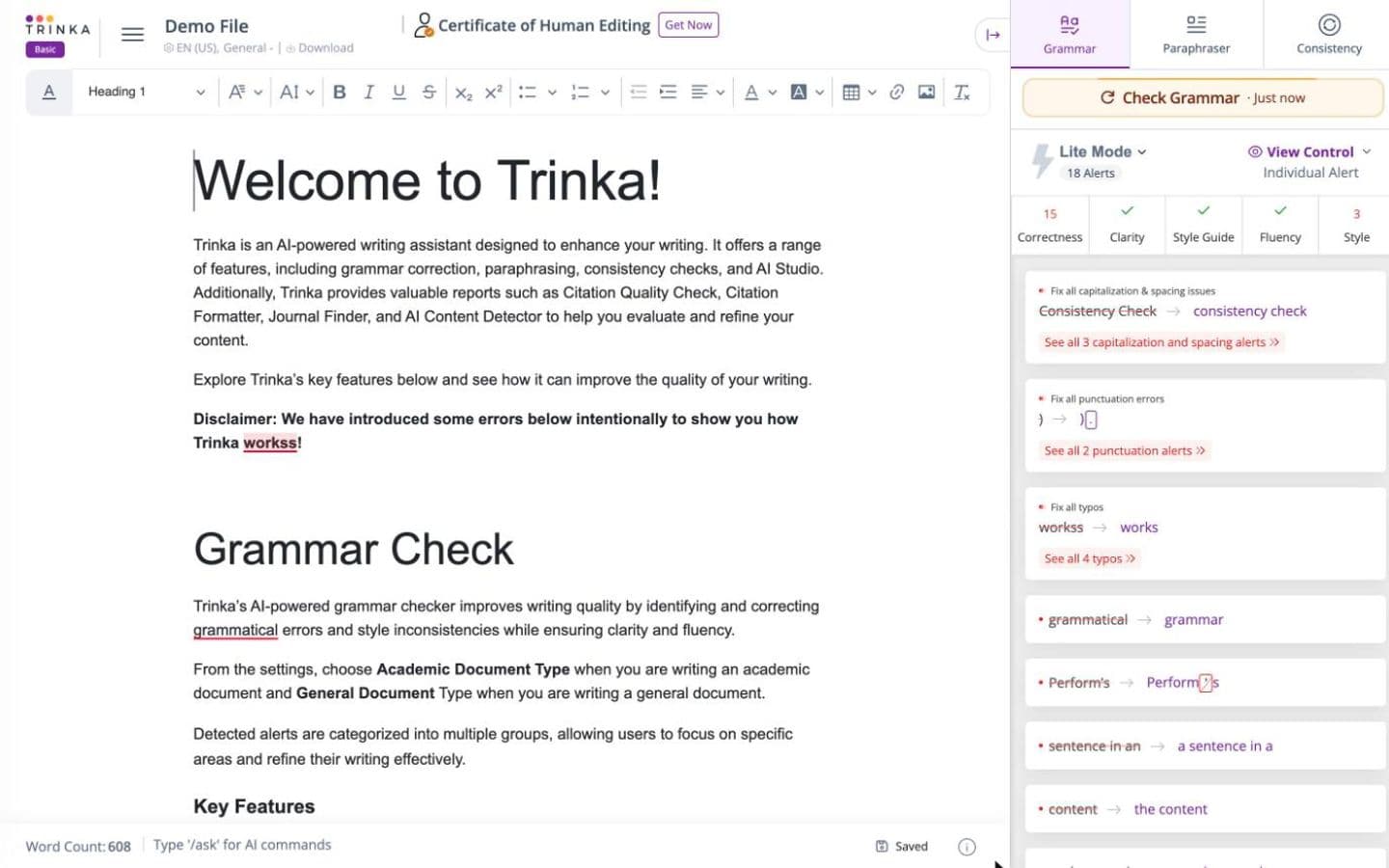
Trinka editor on its built-in demo file, signed in to a free account. Best for: Academic grammar checks on your own writing for $48 a year.
6. Ponder
Ponder is the learning-companion idea built on sources. It pairs a 320M+ scholarly search with your own PDFs, slides and audio, and lays them out as mind maps and paper lists; click a citation and the exact paragraph opens. Video reviewers like its branching maps over a linear chat.
Free gives 50 credits a day; Casual is $16 a month or $14 a month billed yearly. Its Draft stage will write papers from your sources if asked. A review sponsored by Ponder warned that credits go faster than expected, especially on the free tier.
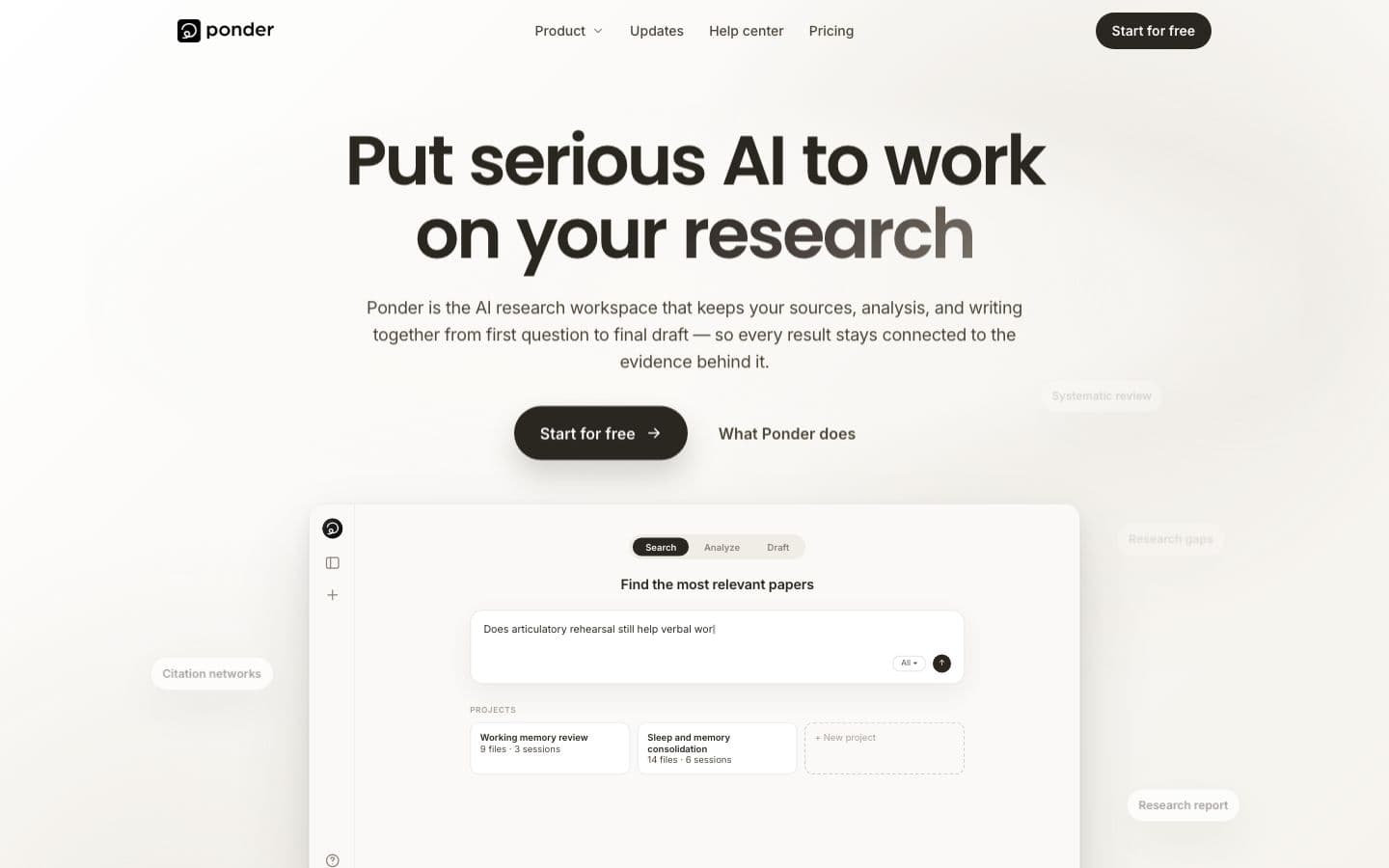
Ponder public homepage, signed out (the workspace needs an account). Best for: Students who learn by mapping ideas and want each one traced to a source.
7. Paperguide
Paperguide's free plan is worth trying for research-heavy work: 2,000 AI credits a month, Zotero and Mendeley import, and plagiarism checks up to 4,000 words. It searches 200M+ papers and links every claim to the exact sentence it came from.
Plus is $12 a month per seat, and every listed price is per seat and billed annually. Its AI Writer drafts from a research question, and its workflows are aimed at researchers more than coursework; some Trustpilot reviewers found its results unhelpful for university assignments.
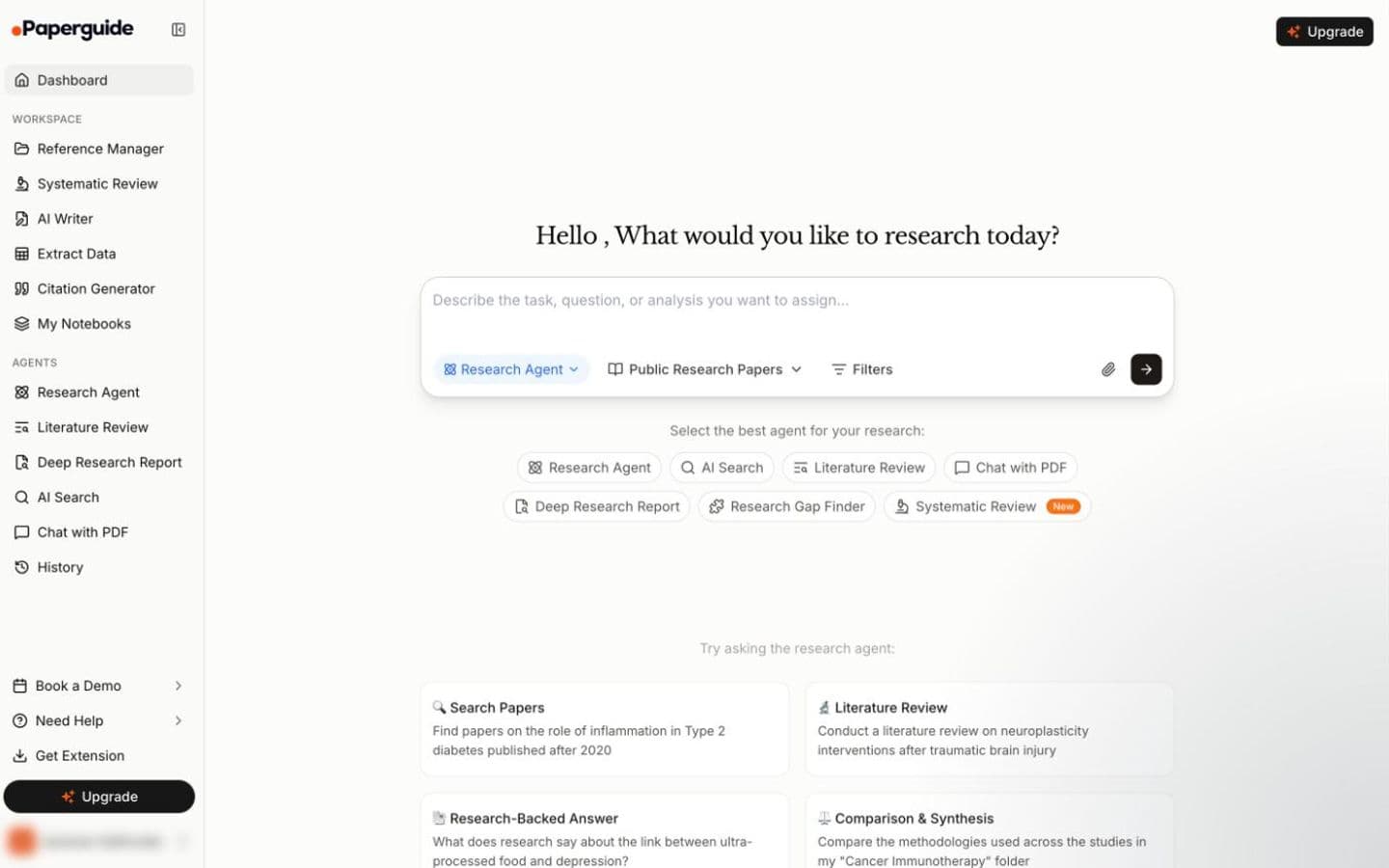
Paperguide dashboard, signed in to a free account (the account name is removed). Best for: Research-heavy assignments, on a free plan to start.
At a glance
Every tool above, with Olovka on the last row for reference. Writing assistants help you write; essay generators write the essay for you.
| Product | Type | Paid from | Free tier | Citations | Ghostwriting |
|---|---|---|---|---|---|
| EthiWrite | Writing assistant | $9 (billed every week) or $10/month ($120 billed annually) | Yes | Only from sources you added | Guides; you write |
| EssayGenius | Essay generator | $15/month | Yes | Your sources, or papers it finds for you | Drafts text when asked |
| Grammarly | Writing assistant | $12/month | Yes | Your sources, or papers it finds for you | Drafts text when asked |
| Jenni AI | Writing assistant | $12/month | Yes | Your sources, or papers it finds for you | Drafts text when asked |
| Trinka | Writing assistant | $48/year | Yes | Does not cite | Drafts text when asked |
| Ponder | Writing assistant | $14/month | Yes | Your sources, or papers it finds for you | Drafts text when asked |
| Paperguide | Writing assistant | $12/month | Yes | Your sources, or papers it finds for you | Drafts text when asked |
| Olovka | Essay generator | $5.95/month | Yes | Not verified | Drafts text when asked |
The bottom line
Olovka is cheap, and its quizzes are a good idea. A cheap essay writer is still an essay writer, though. On a budget of little or nothing, EssayGenius and Grammarly's free plans cover sources, citations and feedback, and Trinka checks your English for $48 a year.
FAQ
- Is Olovka free?
- There's a free plan, which you sign up for with Google. It's limited to 10,000 AI words, and the page doesn't say whether that resets; quizzes and lecture notes are limited too.
- Is Olovka worth $5.95 a month?
- For quizzes and lecture notes from your own material, it might be: the Unlimited plan includes unlimited quizzes and a free trial to test it. For an essay you can hand in, no price makes generated text yours.
- Which alternatives format citations in APA right now?
- EssayGenius offers every major style on its free plan, Jenni AI formats in 10,000+ styles and Paperguide in 1,000+. Grammarly's Citation Finder and EthiWrite both stick to APA, MLA and Chicago.
- Is Olovka partnered with universities?
- It says it was developed with students from leading universities and shows university logos, but it names no formal partnership.