Compare
Grammarly vs Paperpal: which editor should a student trust with a draft?
Writing for a journal or a thesis committee? Paperpal. Its 30+ pre-submission checks hold your text against the language and formatting standards of journals, and Research and Cite formats references in 10,000+ styles. Writing for a grade? Grammarly, whose AI Grader estimates your grade from the rubric and gives personalized feedback.
Both mainly work on your own text, both will also draft, and both have free plans. The first difference you'll notice is price: Grammarly shows one, and Paperpal shows its prices only once the pricing page loads them for your region.
Prices and features checked on October 17, 2026.
At a glance
Writing assistants help you write; essay generators write the essay for you.
| Product | Type | Paid from | Free tier | Citations | Ghostwriting |
|---|---|---|---|---|---|
| Grammarly | Writing assistant | $12/month | Yes | Your sources, or papers it finds for you | Drafts text when asked |
| Paperpal | Writing assistant | See pricing page | Yes | Your sources, or papers it finds for you | Drafts text when asked |
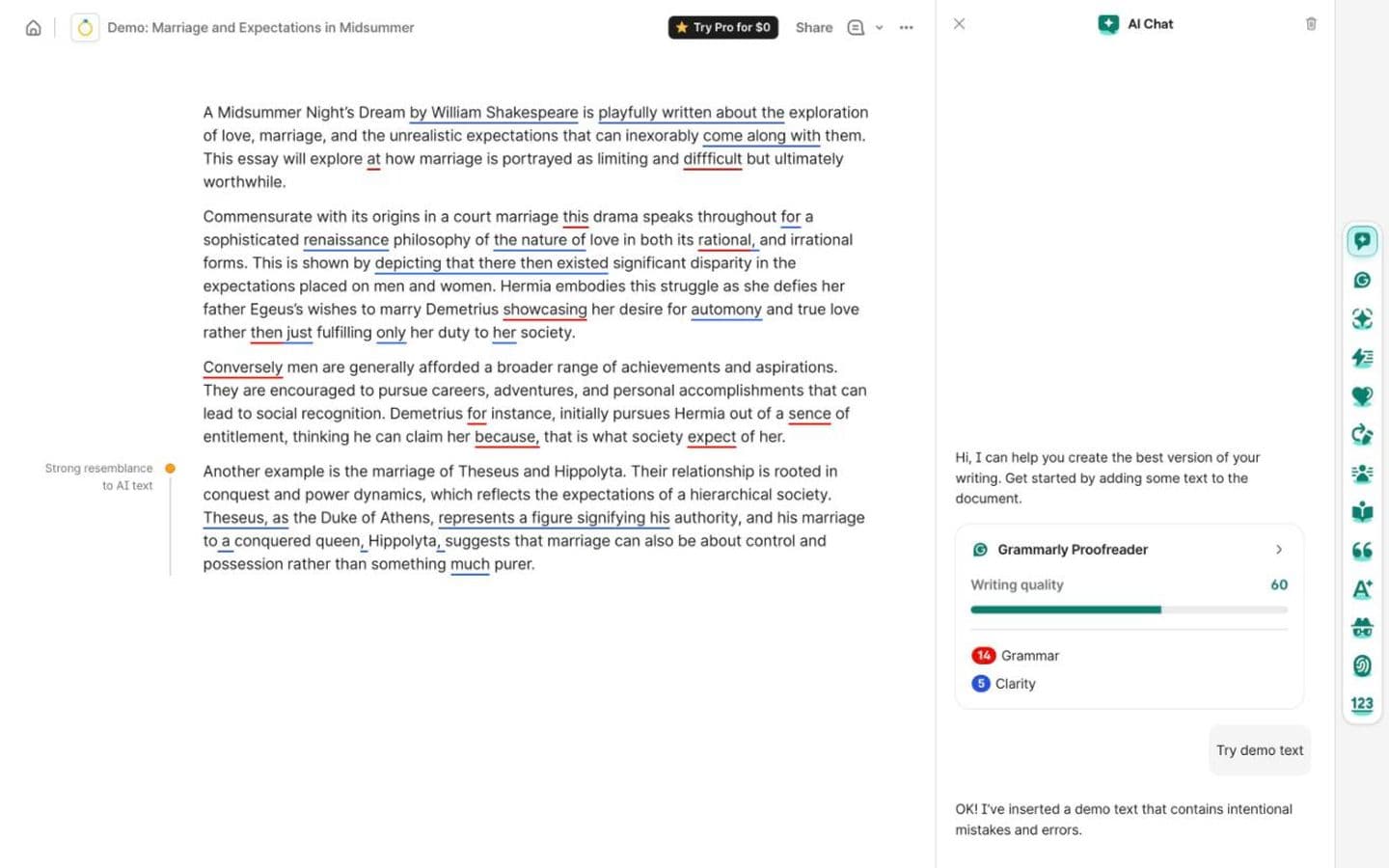
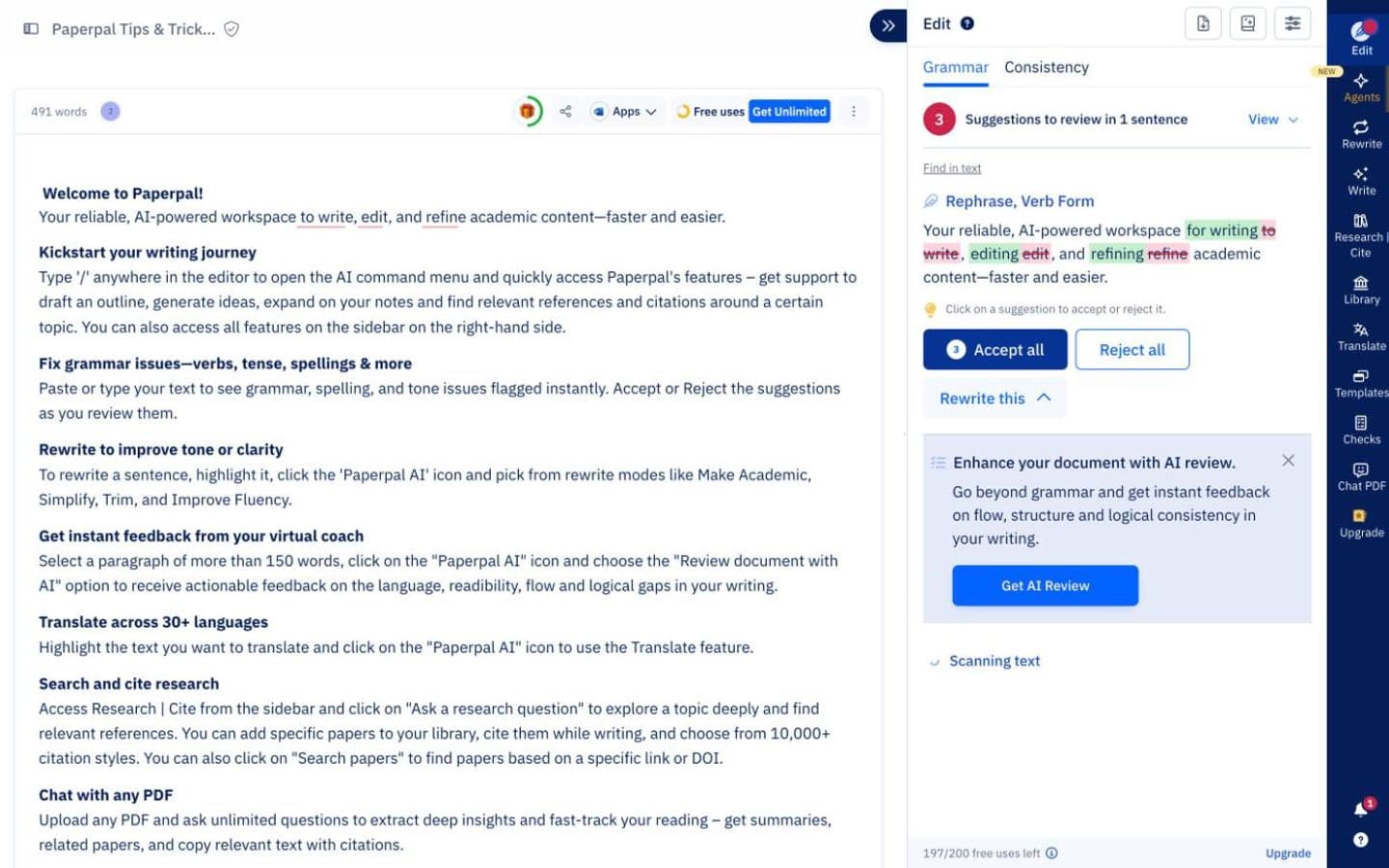
Where each one lives
Paperpal comes to your editor: an MS Word add-in, and Chrome and Edge extensions that support Google Docs and Overleaf. That matters if your thesis is in LaTeX on Overleaf and you don't want to copy it anywhere.
Grammarly's agents work in Grammarly docs, where they can also add text. Authorship can be turned on in Microsoft Word, Google Docs and Canvas LMS submissions to record how you wrote.
Journal standards versus a rubric
Paperpal's grammar and tone suggestions are trained on scholarly edits, and its 30+ pre-submission checks are built around journal standards. Its plagiarism check compares your text against 99B+ sources before your institution's own review. Trustpilot reviewers, most of them invited by Paperpal, praise its AI-detection checks and its help with academic drafting and editing.
Grammarly aims at the person marking you. AI Grader's estimate comes with feedback tied to your assignment, plus Grammarly's reminder that the estimate isn't your real grade, and Reader Reactions predicts what readers will take away and where they might get confused. Plagiarism and AI-text detection come with Pro, not the free plan.
Both draw the same worry. Asked about Paperpal, commenters on r/research warned that AI editing can blur what you meant, and long-time Grammarly users say its suggestions flatten a writer's voice. Accept edits one at a time.
Sources and citations
Paperpal cites from the references and PDFs you upload, or from its own search of 250M+ research articles. Research and Cite also extracts insights from PDFs, and the paid plans add reference checks measured in words a month.
Grammarly's Citation Finder flags claims that need support and suggests web-based sources it finds, without naming the databases it searches. It formats in APA, MLA or Chicago only, and the free plan allows five citations a day.
When the editor starts writing
Paperpal is mostly an editor of your text, but its homepage offers to “Draft with suggestions grounded in your sources”, and its paraphraser restructures your sentences. It isn't editing-only.
Grammarly's AI Grader suggests AI-generated rewrites, and Grammarly warns that using them could get your work flagged for AI use; its agents can also add new text straight into the editor. Students on Reddit report high detector scores after only editing with it. It also sells a Humanizer that it says “is not intended to bypass AI detectors.” Authorship, free to use, gives you a record of how you actually wrote.
A price you can see, and one you can't
Grammarly's free plan covers docs, Authorship and most agents within daily limits, plus 100 AI prompts a month. Pro, with plagiarism and AI-text detection and 2,000 prompts, is shown at $12 a month, its $144 annual price spread over twelve months, or $30 month to month, and there's a free trial.
Paperpal's free plan needs no credit card but is small: 200 grammar edits a month, 5 a day of paraphrase or AI review, and only lite plagiarism and AI-detection reports. Prime adds 20k grammar edits and 10k words of plagiarism and reference checks a month; Pro makes grammar edits and AI detection unlimited. Both are billed monthly or annually, at prices that appear only once the page loads them for your region.
Grammarly's billing reviews are split: some reviewers describe renewals without warning and refused refunds, others got refunds quickly.
Which should you choose?
Choose Grammarly if you're writing coursework against a rubric and want a predicted grade, reader reactions and an Authorship record, with a price you can see up front: free within daily limits, or $144 a year for Pro.
Choose Paperpal if you're preparing a thesis or manuscript and want academic language polish, 30+ pre-submission checks and a plagiarism check against 99B+ sources inside Word, Google Docs or Overleaf. Start on the free plan: small, but no credit card.
If neither fits because your draft's weak spot is the argument rather than the language, EthiWrite is our tool for that. Examiner Mode flags unsupported claims, thin evidence and structural gaps, and has no ability to rewrite your text. Every Quota is finite on every Plan, so you'll ration it much as you ration Grammarly's daily agents.
FAQ
- Does Paperpal work in Overleaf?
- Yes, through its Chrome and Edge extensions, which support Overleaf as well as Google Docs. Grammarly's Authorship can be turned on in Word, Google Docs and Canvas LMS.
- Can Grammarly or Paperpal detect AI writing?
- Both include AI detection. Paperpal's free plan gets an AI-detection preview and Pro makes it unlimited; Grammarly's AI-text detection comes with Pro.
- Why can't I see Paperpal's prices?
- Paid prices only show once the pricing page loads them for your region. Open it from the country you'll pay in, and compare Prime and Pro on the same billing period.
- Is Grammarly's AI Grader accurate?
- Grammarly itself says the estimate “should not be taken as your actual grade”. Use the feedback and ignore the number.